> ## Documentation Index
> Fetch the complete documentation index at: https://docs.stockinsights.ai/llms.txt
> Use this file to discover all available pages before exploring further.
# Authentication
> How to authenticate requests to the API.
## Welcome
Each request to the API must be authenticated with a valid API key.
### Getting your API key
Once you signup to your account, you can navigate to "API access" section under "Account Settings" to generate your API key.
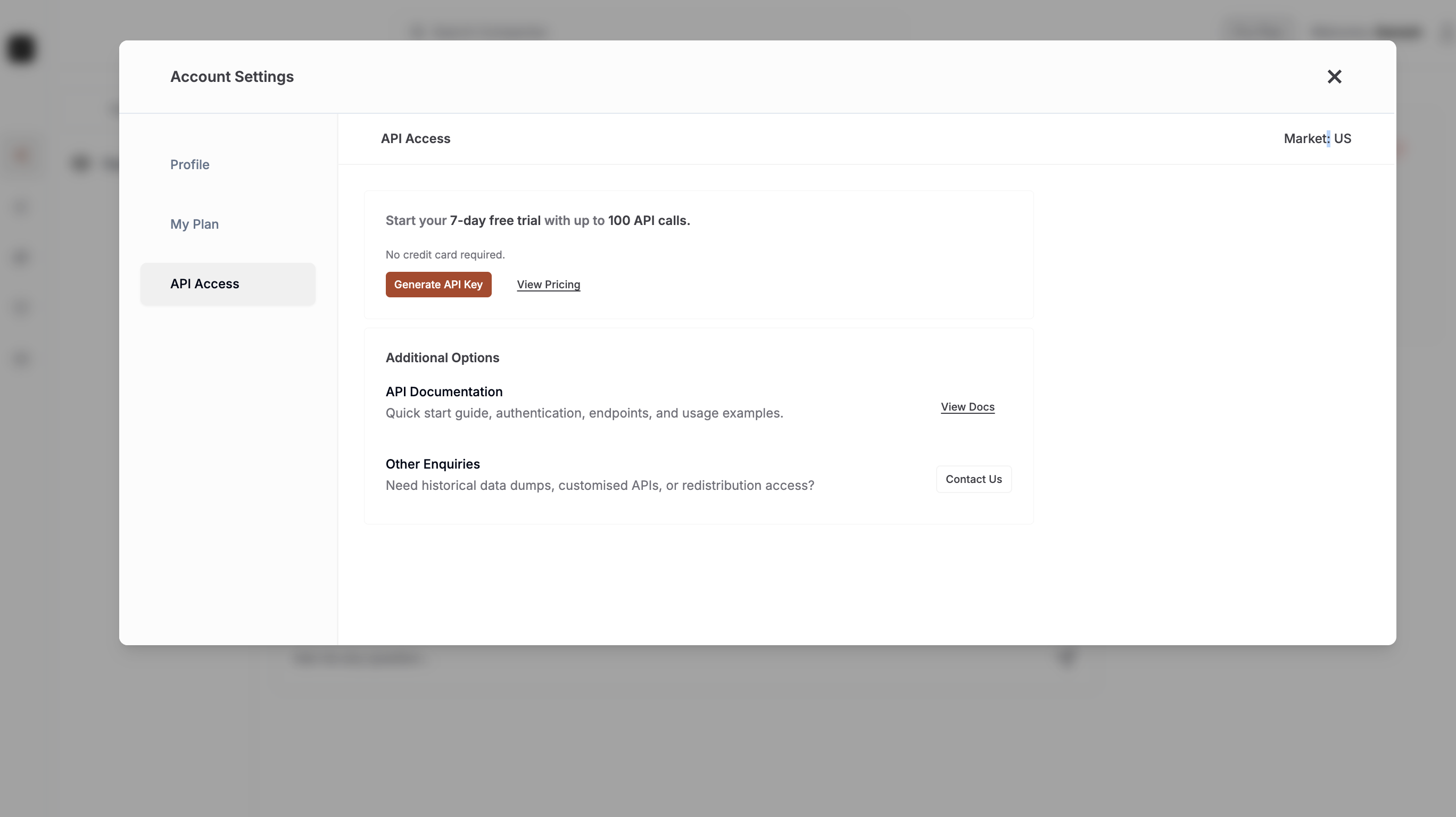 If you need a custom API end-point, please send your request - [Request Form](https://airtable.com/appwmCiMxABL5dAtH/shrJoJJnvXDkbaXHf).
### Access Control
All API endpoints are authenticated using Authorization header and your dedicated API key.
```json theme={null}
'Authorization': 'Bearer '
```
If you need a custom API end-point, please send your request - [Request Form](https://airtable.com/appwmCiMxABL5dAtH/shrJoJJnvXDkbaXHf).
### Access Control
All API endpoints are authenticated using Authorization header and your dedicated API key.
```json theme={null}
'Authorization': 'Bearer '
```